Week 9 critique

For our week 9 ‘speed dating’ critique session I showed my book and a range of images which spoke to my project and some new insights/direction that it has been taking recently.

Left to right –
Design sprint painting
Book concept output
Exquisite Corpse – Showing my recent exploration into the idea of chance and the different techniques used by the surrealists in order to ‘unlock’ their true power of imagination.
Automatic drawing – Another technique by the surrealists in order to remove conscious and considerate action from the illustration process in order to let the subconscious to take over and shine through.
Conceptual Artists – I showed this no particularly because of the artwork but because of the idea and theory behind the conceptualists – I liked the way they have a specific focus on the idea/concept/process behind an artwork rather than on the final tangible output.
EYE Magazine cover – Each cover of this issue of magazine was randomly generated – Related to my concept of a book, if it was produced there could be an element of ‘uniqueness’ to each copy.

Feedback –

  • Very interesting, intriguing and engaging idea with a lot of visual sustenance/influence to sustain.
  • Similar to looking at clouds and interpreting what you see.
  • Things to look at – This person does not exsist, Hexatope
  • Audience. Thinking about how it applies out in the world – could imagine as an interactive display at te-papa
  • Relationship between artist and technology
  • What is the point of difference?
  • Like that I haven’t narrowed down to a specific audience, instead focusing on my own practise and how I can apply/benefit.

Output concept – Book

I have been thinking about what sort of final output my project might have beyond just artworks, something a bit more design focused.
One concept I considered was an art book – showing the various outputs/processes I go through working with the computer to create illustrations, and expanding on the ideas a bit.

I also thought it could be somewhat of an exercise book, a way for people to have a quick go at the process and try to expand and challenge their creativity.

Cover showing the translation from computer generation to painting. Inside the book would be some explanation around the research, benifits/uses and techniques used. It would then show some examples of what I have created used the technique. Finally the book would be full of various different computer generated shapes, prompting the reader to draw their own interpretation of what they saw in the shape.

Final painting

The final output for my design sprint.

Based on feedback and the experience of creating this artwork I would say it was quite a valuable process to go through. I had some doubts while creating the piece as I felt once I had the image drawn up and began painting, it was somewhat pointless as I was just filling in the space. I also found it quite interesting and challenging to stick to the shapes that had been decided – it was a good way of forcing some imagination and creativity by limiting and restricting myself.

Overall a fun process – The end result looks quite cool and many people were quite drawn to it.

From this I learnt that maybe this exercise is much more valuable done in small doses many times, rather than spending a long time on one illustration. I felt the computer did not have as much of a voice in this process, it was very curated by me and the actual rendering was all decided by me. Moving forward I would like to work on the program to try and give it much more influence – ideally I would like the process to be 50/50 collaboration.

Creating the painting

In terms of rendering and colouring I didn’t have a way for the computer to decide on any of that so I interpreted that myself based on what I thought would look good and what I had done in previous artworks.

I thought that it would be interesting to have the computer decide on the colours, however if I had it just choose random colours it would end up being an ugly mess. One thing to keep in mind is that I should work with the strengths of both myself and the computer – it may be better at generating interesting and unique shapes but I am better at colours and composition.

Progressing through the painting

Final finished painting and setup for design sprint critique

Notes from conversation with Lee

  • Painting less impressive than computer generation as I have just ‘filled in’ the space.
  • Explore algorythm in generative sense
  • Disruptive imagery?
  • Be more specific about purpose?
  • Connection makes the significance
  • Regenerative potential of coding
  • What is going to set you apart? – This is not a ‘new’ idea, it has been done before – Liked my focus on surrealism/own practise – push that
  • Juxtaposition, chance & unconcious – Dreams
  • Roger Dean – Floating Rocks
  • Embracing Chance

Design sprint – Computer generated painting

Over the break for the design sprint and for my project to progress I decided to take the idea I used for the design sketch poster and take it further, spending more time. I also wanted to apply it more to my own practise, so I decided I would create an oil painting based around recent artworks I have created, but with the content/compositon originally decided by the computer.

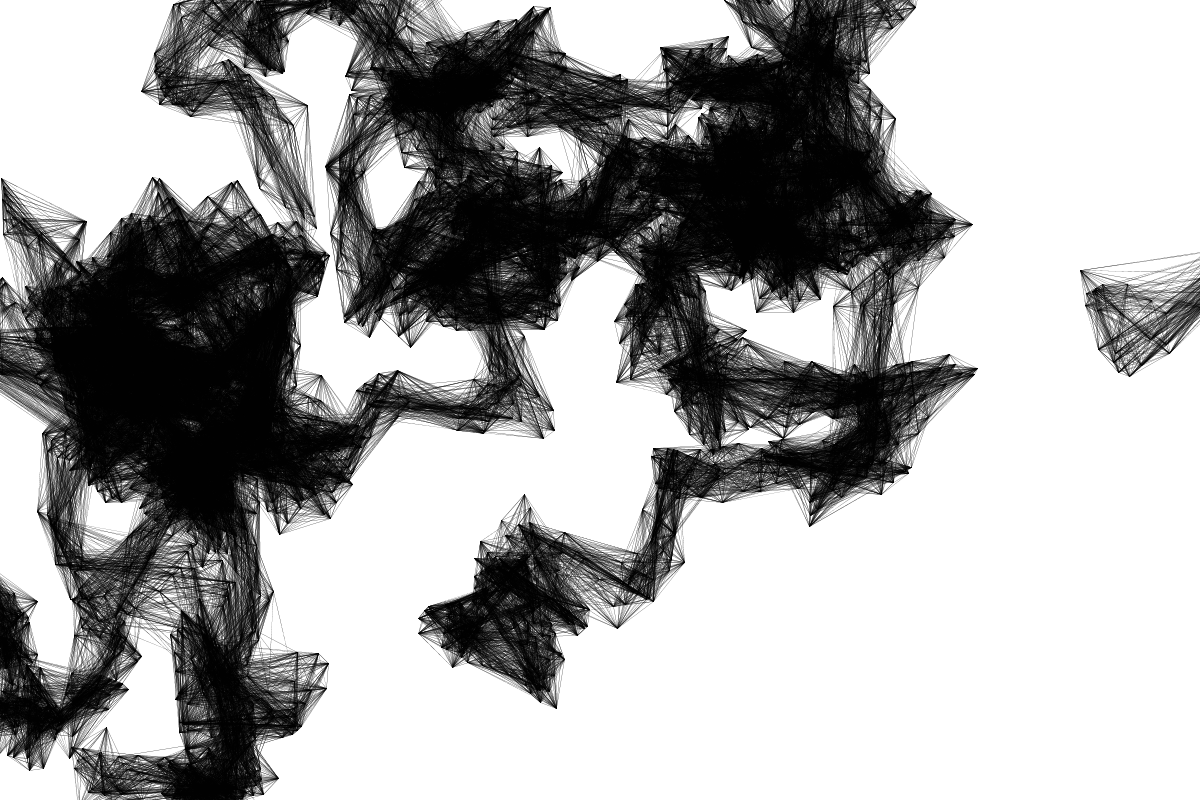
First I began by adapting the code so it gave me a bit more room to work with. I gave myself a bit more control by adding a feature to pause the program, and to export an image.

Previous the program would create one shape which was always connected as it moved around the screen. I adapted the code so that after a random amount of time, it would start in a new postion so that there would be a range of shapes around the screen.

Some tests, playing around with different parameters

Trying to get the program to create something that I can work with – I want guidance on both the outside and inside of shapes as completely filled in doesn’t give me a whole lot of guidance. I also had a go at creating curved lines but that did not work with this program unfortunately.

I eventually decided on this composition for the painting. The thinner lines meant that the overall form was built up more gradually and left a bit more detail in certain areas.

From here I interpreted this into a digital sketch based on what I saw in the image, trying to stay mostly within the lines defined by the code.

Transferring the drawing to canvas

My own practise

In class we discussed the strange realm of working within ‘design as author’ for this brief and some different directions that can be taken and ways to look at it. Ant encouraged that we make stuff, rather than just researching. I have also had a few other tutors suggesting more drawing and more creating stuff.

From all this discussion I began thinking about how I wanted to progress my project over the holidays…
I had already decided that I really wanted to do a painting during the holidays. And I started thinking about the genre I usually paint in – surrealism. I often find it difficult to come up with ‘random’ and strange things for my artworks, and I found that when I did the drawings for my poster it was easy to get very creative and wacky results.

Mark also challenged me to try the process in more substantial artwork – spend 2 weeks instead of 2 hours on it.

From this I decided, why not combine these things together and apply my project to enhancing my own practise as a painter? I could develop a program/method which would help boost my creativity when creating my surrealist artworks, as a collaboration between man and machine.

My next challenge will be to create a painting based on computer generated shapes/imagery.

Recent artwork I completed for an exhibition –

This is a great example where ai could have helped me in this piece I painted. I had to come up with random interesting shapes for all these floating islands, as well as the shapes of the rocks within them. To base all of these shapes off a computer generation could yeild a very intersting result.

10-5 Exercise

Exercise in class writing for 10 minutes about my week 5 poster.

Last week was a valuable experience for me in terms of bringing some more passion and visualization into my project. I initially intended to have a small portion of the poster taken up with illustration and rest with research, but once I started doing the drawings I didn’t want to stop. I found the challenge of making something randomly generated into my own creating incredibly engaging and interesting, and I found that I was able to loosen up and make something much more ‘creative’ that I would have otherwise. In that sense I treated it as an experiment, to prove the power of collaboration with the computer. And it seemed to be a great success, which has motivated me to keep going. I enjoyed actually creating something rather than just research and made me realise that I should incorporate more creative research – research through doing, drawing etc.
I also found that from this I began to bring in a number of tutors who now seem quite passionate and engaged with the idea of my project, and it was great to see ideas being thrown my direction. After the feedback, I got an email with some extra information, and later in the next week, I found a note at my desk with something I should look at from another tutor. 

Moving forward/Reflection

The design sketch was a very helpful step in situating my project and getting some different perspectives on the direction that it is headed. In the description on the ‘poster’ I framed it as an ‘experiment’ in AI collaboration and I think overall it was a great success. I found that people were quite engaged and interested in the ideas that I was exploring.

I also had a lot of fun creating the artworks based on the computer generated shapes, and I came up with something significantly more bizarre/wacky/out there/creative than I would have if I began with just a blank page.

Moving forward?
From here I want to continue exploring the subject, of which there is endless avenues to explore. As of this point I have been focusing a lot on the visual side of the research, finding examples of things already created. Moving forward I want to delve into the technical side more, looking into how AI actually works and where it can conceivably go, and what all that means for the future of humanity.

Design sketch

For my design sketch poster I decided I wanted the whole thing to be drawn/written by hand combined with computer generated elements in order to show the concept of man/machine collaboration.

As my passion is in illustration and I want that to drive a large portion of the project I wanted the poster to be illustration heavy. I decided I would generate some shapes using coding and see what sort of creativity I could find from them.

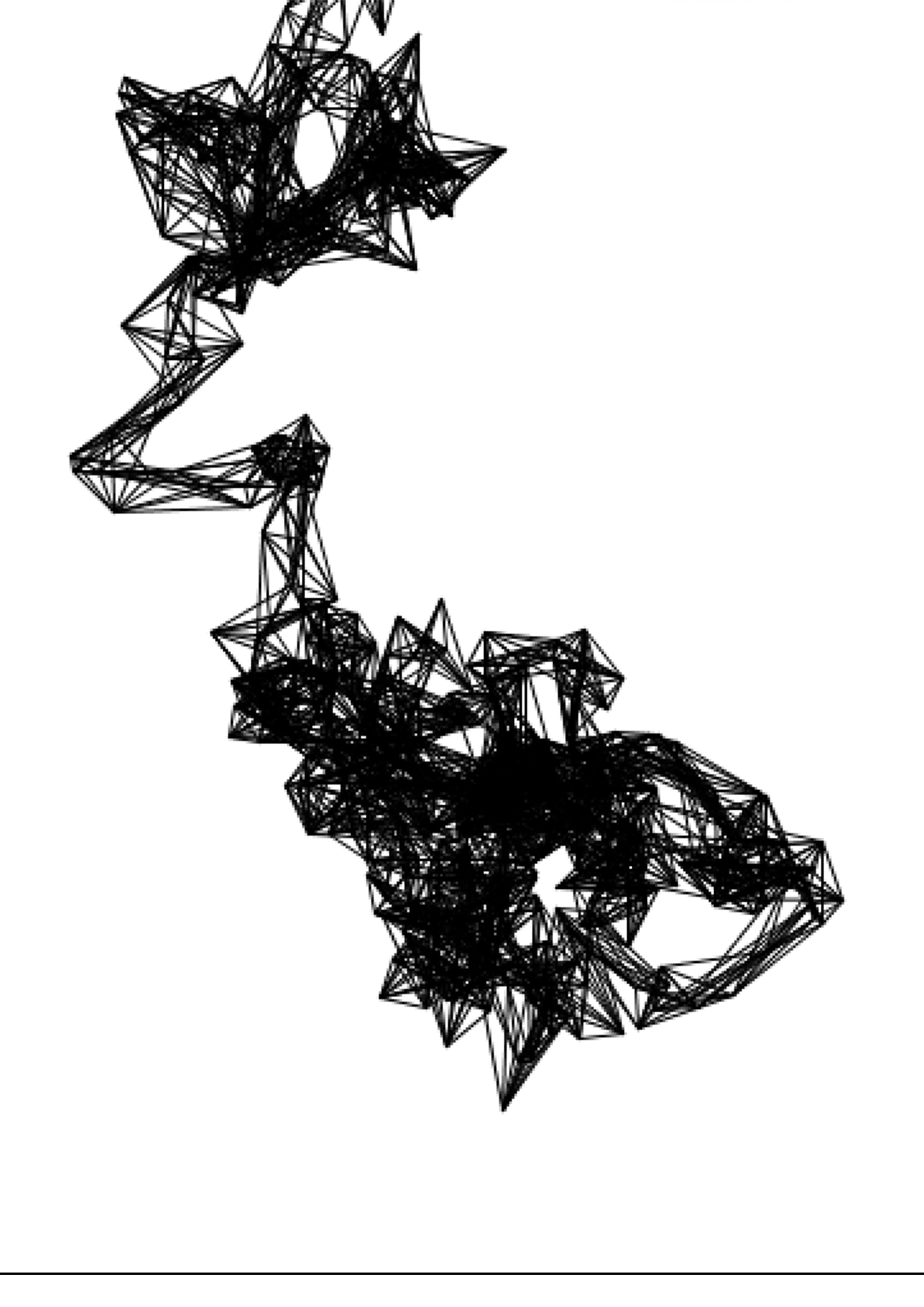
I found this program online which I adapted slightly to get some interesting shapes, however I didn’t like that there was no detail on the inside which left a lot for me to assume and minimised the collaboration for the ‘AI’ portion.

These generations are closer to what I was looking for, much more detail to work with so I wasn’t given so much freedom to make it my own creation.

From here I printed out my favourites and transferred them to the A1 paper.

Computational Creativity

An experiment into the ‘future’ of creativity through Artificial Intelligence/Man collaboration.
Explore within physical illustration

All images created using computer generated shapes.

“Creating and designing with a machine: do we merely create together (co-create) or can a machine truly foster our creativity as human creators?” – GN Yannakakis, A Liapis, C Alexopoulos – Mixed-Initiative Co-Creativity

I added in this quote from a relevant reading on Co-Creation with Artificial Intelligence. I found the term co-creation in the context of man and AI a compelling prospect, imaging my project would explore the possibilities of heightened creativity through working along-side machines.

Feedback

Feedback around my poster was quite engaged and helpful. I didn’t get much critique but rather a breadth of ideas and avenues to consider and explore.

Some notable points…
Thinking about how the program could be used to help those who struggle with creativity/drawing
The computer could aid in some aspects in order to ‘offload cognitive’ and allow more space in your brain for creative thinking.
Could be performed as an experiment where people are using a ‘creative aid’ which is represented as an AI helping in the creation but is actually just someone behind the screen assisting.

All notes taken during class:

  • Enable co creator with computer rather than fighting
  • Rise of flash
  • How does this help other people?
  • Bridge the gap of being confident
  • Writing assistant ai
  • Wired article
  • Don Norman – Design of everyday things
  • offload cognitive … to create more space in your brain.
  • Experiment
  • Give the system agency?
  • Clippy, Microsoft
  • Where can this go wrong?
  • Can a computer have imagination?
  • Steven Hawking
  • How technology can be limiting – these limitations can allow/encourage creativity – have to think outside of the box for ways around.
  • How the computer can be without human input?

Week 5 Pin up

For week 5 class we were tasked to situate our topic within a framing sentence and choose 3 images which represented our direction.
I chose 3 images from some artist precent I had been looking at which explore my idea of collaboration between Illustration and Artificial Intelligence – I found these images were particularly compelling as they were using AI in a very interesting and original way in order to create an artefact.

From this session the main feedback I received was that I needed to verbalise my topic area into a more clear sentence as the one I wrote did not make any sense. Moving forward I need to consider key words and phasing which will explain my direction clearly.